Choose a document scanner for a container office by matching representative paper originals to a supported paper path, then checking the file that the receiving person can actually use. Feeder capacity, scanning speed and OCR are separate parts of that decision. A scanner can capture an image successfully while leaving a missing reverse side, a search error or a file that has not reached the intended recipient.
Describe the capture task before comparing machines. Include original forms, required sides, the working position and the accepted output. This guide uses identified Epson and Brother documentation to explain those distinctions. It is a research-based purchasing guide, not a report of PQSE equipment testing or an office records policy. All photographs are newly reconstructed illustrations; the numerical table comes from an original manufacturer source.
Build the enquiry around representative originals
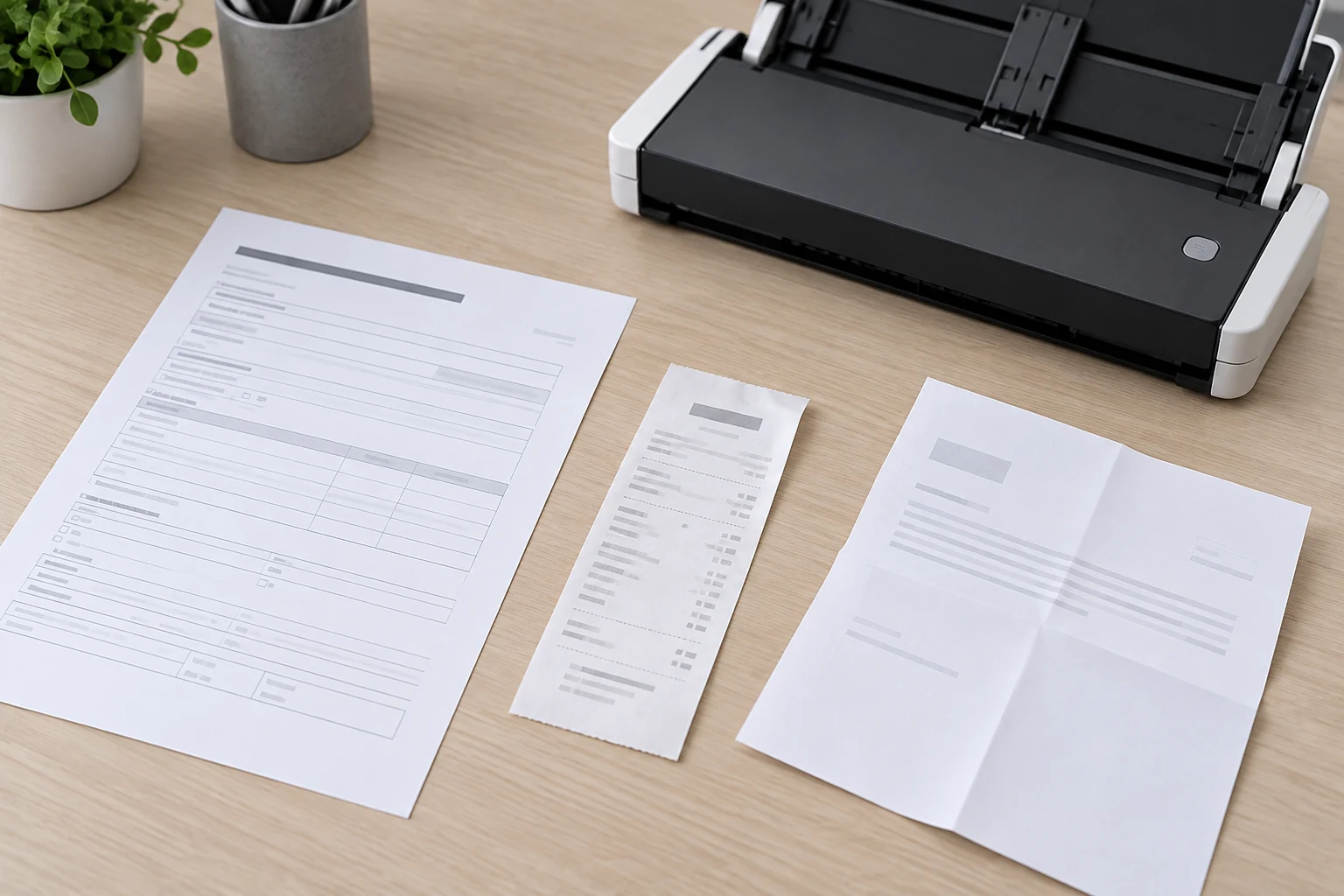
Lay out the kinds of originals the office needs to capture. A loose form, a narrow receipt and a folded document present different questions. Identify their condition and whether both sides carry information before selecting a feeder. A count of documents alone does not describe the task.
Define a document as more than a sheet count
Ask the people who will provide and receive the files to describe a normal capture job. Identify what arrives on paper, what belongs together and what the next person needs to read. One document may contain several sheets; one sheet may contain information on both sides. Those relationships affect the file sequence even before a scanner model enters the discussion.
Make the sample set representative without exposing live customer or employee information in an equipment enquiry. Suitable fictional examples can show a form layout, reverse-side content and page order. Keep their role clear: they demonstrate the requested task, not the authenticity of a real transaction. Where actual originals require special permission or handling, use the organisation's responsible process rather than sending them casually to a supplier.
Record the features that could change equipment selection. Size, paper condition, attachments, surface and whether an original can travel through the proposed device matter more than a generic label such as “office paperwork”. A bound item or valuable original is a distinct question, not simply a thicker member of a loose-sheet stack. Ask for the applicable manufacturer's instructions for the exact form being considered.
The sample description should also state which visible information must survive capture. That could include a reverse-side note, a faint printed field, a page edge containing a reference or the order of a small packet. Describe the required outcome rather than choosing a scanner setting prematurely. A supplier can then explain how the proposed device and software address that task and where a different approach is needed.
This capture enquiry is different from choosing where the paper lives. The container-office paper-storage guide addresses the physical record and its daily organisation. A usable scan does not by itself decide whether an original may be discarded or replace the office's retention requirements. Keep those decisions with their appropriate owner so an equipment purchase does not silently create a records policy.
| Original or task | Information to record | Question for the proposed system |
|---|---|---|
| Loose form packet | Size, sheet order and required sides | Can the offered path and workflow retain the complete sequence? |
| Narrow or long receipt | Actual dimensions, paper type and condition | Which path and original limits apply to this model? |
| Bound, delicate or valuable original | Form, condition and handling restriction | Is the offered method suitable under the applicable instructions? |
| Searchable output | Words or fields the recipient must find | Does the delivered file support the required review and search? |
Read feeder capacity with its paper and path conditions
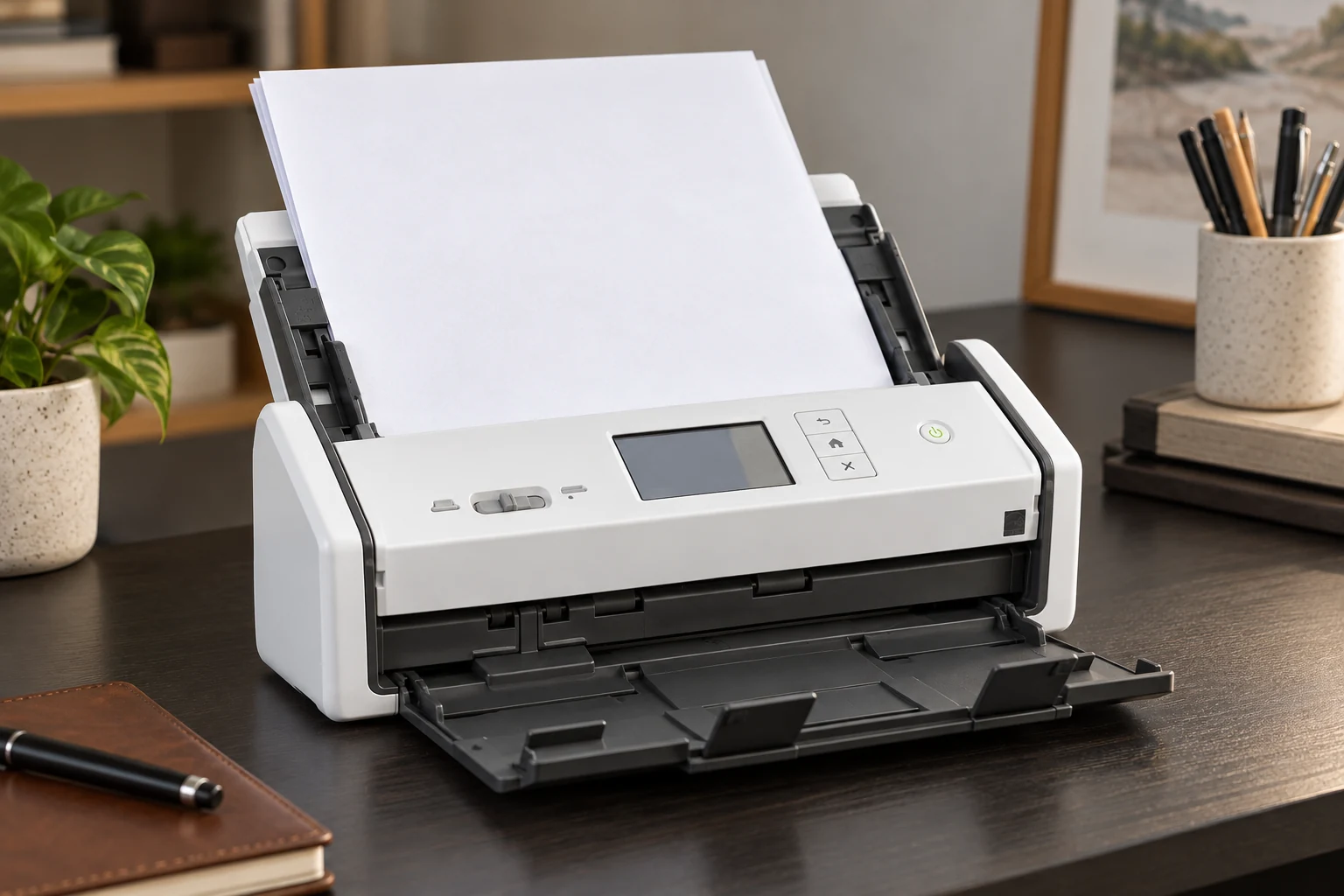
An ADF sheet count belongs to a defined original and feed condition. Keep the model, paper type, weight, size and path beside the number. The same machine can list different capacities for different paper weights; a headline maximum does not promise that any mixed pile will fit or feed as intended.
Use a same-model table to expose the condition
The Epson Canada DS-C330 capacity FAQ includes a table for original documents. For its listed standard-size paper group in the vertical path, the selected rows below show a lower sheet count as the listed paper weight increases. The table also specifies a stack thickness under 2.4 mm and says capacity varies with paper type. These conditions remain part of the example.
The comparison below is restricted to A4 plain-paper originals in that stated group. It is a direct transcription of three discrete rows, not a curve, a mixed-original allowance or a comparison between scanner brands. The FAQ was published 3 August 2023 and was read for this guide on 22 October 2026. Its other sizes, original categories and path-specific instructions should be consulted separately when relevant.
The practical lesson is to ask the supplier what “capacity” means for the sample set. A job containing different paper forms needs an answer about those forms, rather than an assumption that the largest advertised sheet count applies to all of them together. Keep the proposed preparation and batching method identifiable, without treating the enquiry itself as operating instructions.
Path choice deserves its own line in the equipment comparison. Epson's scanner-position guidance distinguishes a vertical path from a straight path and identifies different original uses and output locations. Those differences can affect both original suitability and the working arrangement. A statement that a machine accepts a document size does not eliminate the need to identify the relevant path and method.
| Listed paper weight | Listed maximum sheets | Scope retained |
|---|---|---|
| 80 g/m² | 20 | Specified model/path and paper group |
| 90 g/m² | 18 | Specified model/path and paper group |
| 104 g/m² | 15 | Specified model/path and paper group |
Plan the working scanner, paper and person together
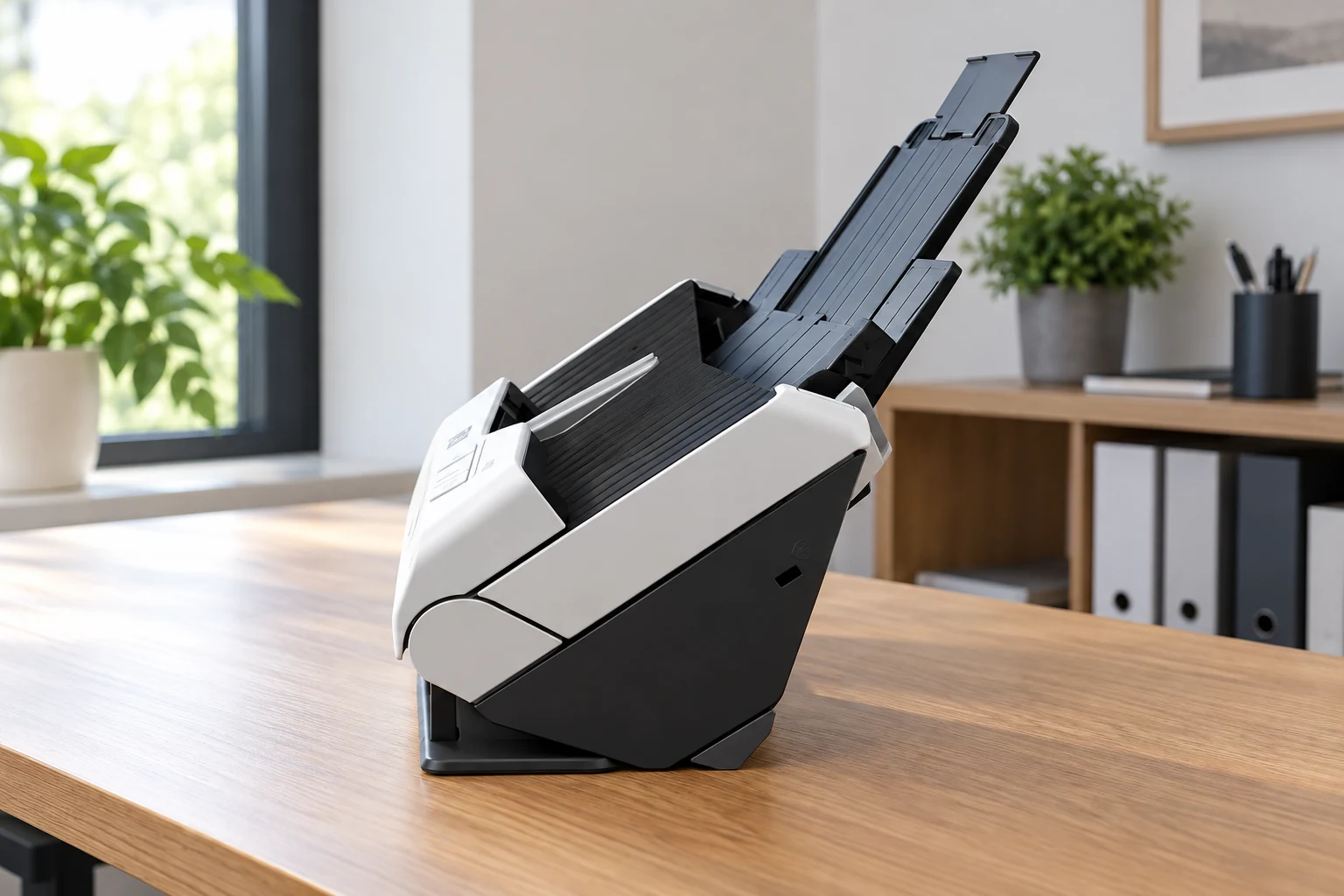
Place the scanner in its intended working state when discussing the desk. Include input support, output space, the originals waiting nearby and the person using the computer. A compact closed housing can be a poor description of the space needed to capture and check a document packet.
Separate the body dimensions from the capture arrangement
The Epson dimension specification distinguishes vertical and straight-path positions and states that its dimensions exclude projecting parts. That qualification matters when a buyer is using a catalogue size to plan a workstation. The device body and the complete working arrangement should not be treated as the same measured object.
Ask where incoming originals wait and where captured sheets emerge. The paper should have an identifiable place before and after capture so that the operator can keep a packet together. Show that arrangement on the proposed desk, including the laptop or monitor used for review. A photograph of a scanner by itself cannot establish that the entire task fits the intended work surface.
The position should also allow the person to compare the original and the file without continually moving unrelated work. A shared desk may be adequate for occasional capture but create a different coordination question when another employee is using it. Describe the intended pattern of use before buying a device solely because it has a small closed footprint. That description helps the office team choose an appropriate location rather than improvising one after delivery.
Connect the equipment decision to container-office fit-out planning. Confirm the proposed power, data and furniture arrangements through the responsible project process. A scanner's interface list identifies its capabilities; it does not confirm that the actual workstation has the required connection, compatible software or authorised destination. Keep those confirmations attached to the offered equipment and intended computer.
For a container-office workspace, the handover question is concrete: can the intended user receive a paper packet, capture it, inspect the output and place each item in its next agreed location? An attractive equipment layout is less informative if it omits one of those objects or actions. Review the proposed arrangement as a whole while the desk and equipment choices can still be coordinated.
Paper output location is particularly useful to show in the proposed arrangement. If one path returns originals at the top and another ejects them at the front, the same empty desk photograph may describe neither complete task. Ask where the original will be when capture finishes and how the operator will identify it without mixing it with the next packet. The answer should use the actual device and intended originals. It should not become a universal distance copied from another workstation. This makes the physical review a check of the proposed task, rather than a catalogue-size exercise.
Compare rated speed with the complete capture job
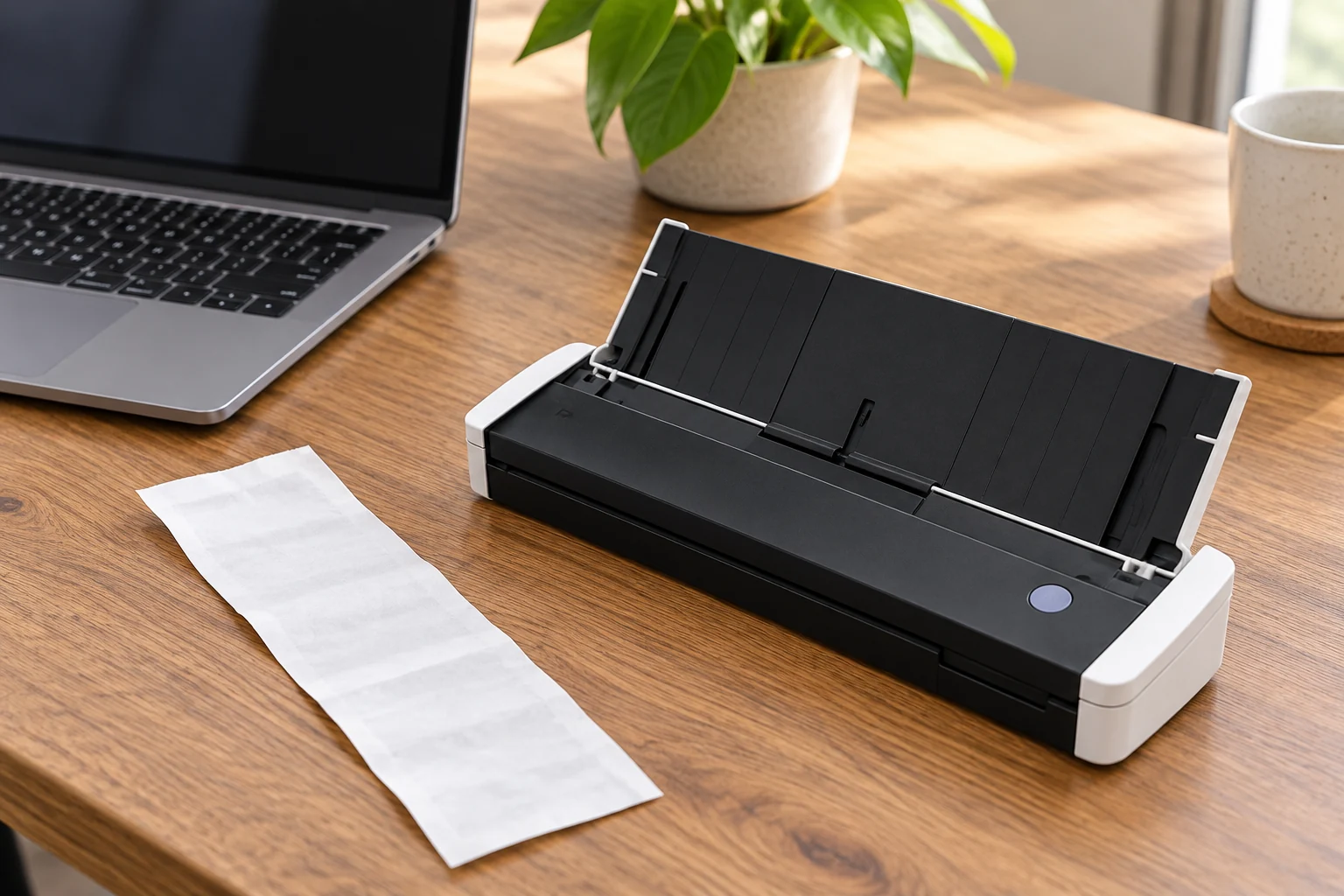
Read the unit beside a speed figure. Sheets, images and completed document files are different counts. A duplex sheet can contain two images, while a completed file may contain several sheets. The useful purchasing comparison follows the whole job through preparation, capture, checking and delivery.
Keep the rating conditions with the example
The Brother ADS-1800W US specification lists scanning up to 30 ppm and duplex scanning up to 60 ipm. Its speed disclaimer refers to Letter-size paper at 200/300 dpi and notes that data transmission and software processing can affect actual processing time. The two headline numbers count different things; they are not two interchangeable promises of completed files per minute.
A complete job includes work before and after the device moves the paper. The user may need to identify the packet, separate different original forms, choose an agreed destination and check the returned file. Those tasks can matter even when a short batch passes through the scanner quickly. Ask the supplier to show the proposed workflow instead of multiplying a rated speed by office hours and presenting the product as a daily throughput forecast.
Software and connection conditions belong in the same comparison. An output produced through one supplied application should not be assumed to behave identically in another workflow. Record the actual computer environment, application and destination used for the review. If an option requires a separate download, account or service, identify that dependency before treating it as part of an accepted equipment package.
The construction-site office planning discussion provides the broader operational context. The scanner task should fit the way paperwork reaches the office and leaves it as usable information. A low-volume, varied-original task and a repeated loose-form task can favour different purchasing questions even if both are described casually as scanning. The enquiry should make that distinction explicit before the buyer gives a headline speed too much weight.
Check the file the recipient will actually receive
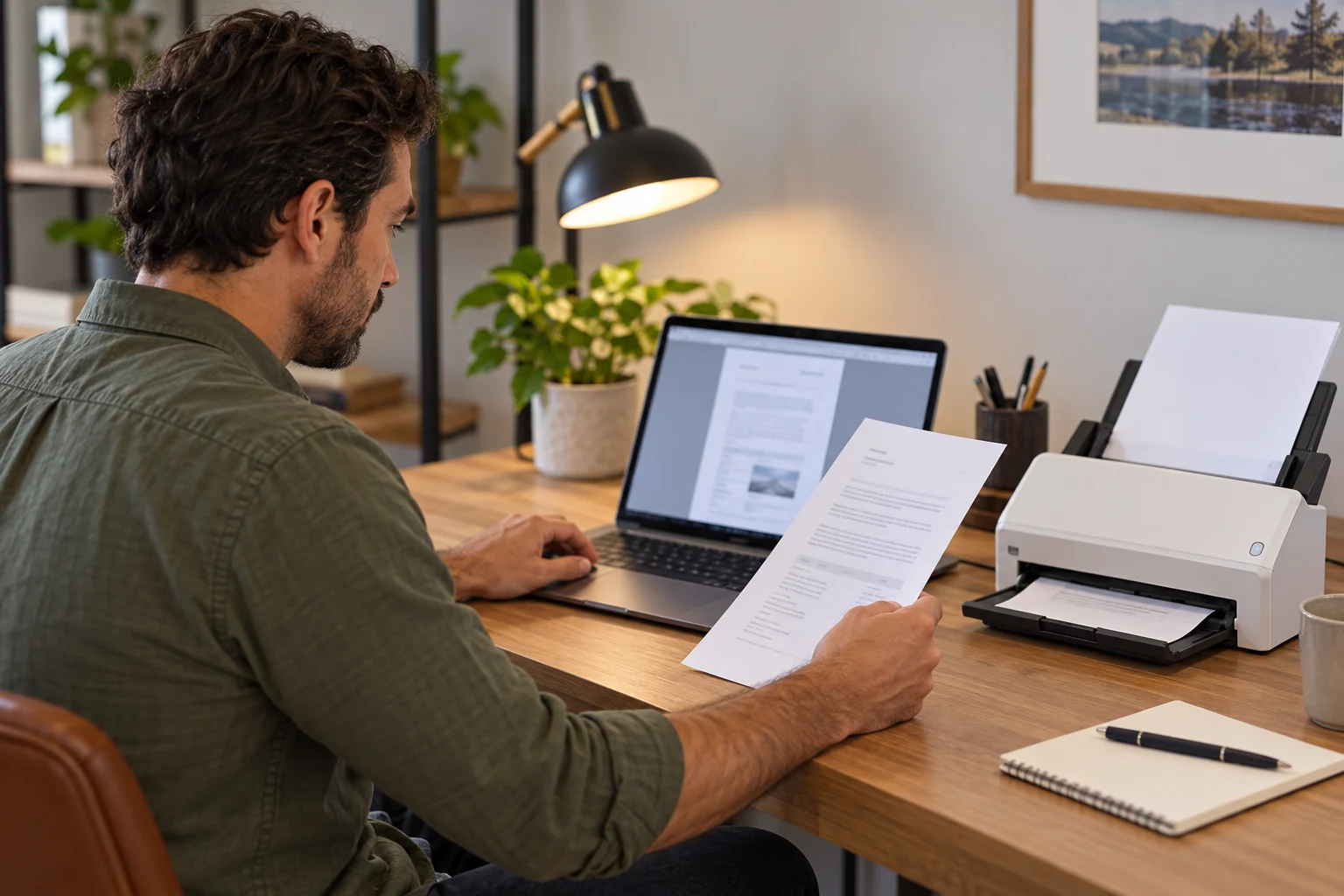
Inspect the delivered file alongside the representative original. Check required sides, page order, edges and legibility before treating capture as complete. Then test the requested search or editing function separately. A readable image and recognised text can disagree, particularly in the fields the recipient most needs to use.
Make acceptance specific enough to repeat
Agree what a successful output looks like before the supplier demonstration. Specify whether the recipient needs an image, a multi-page file, searchable text or an editable result. Those outcomes are related but different. A file can open successfully while failing a particular search or losing the association between the front and reverse of a form.
Use the representative packet to check completeness. Compare the expected originals with the pages actually present in the delivered file and inspect the sequence. Include any deliberately blank reverse or other special feature in the agreed review description. A general instruction to “remove blank pages” can be misunderstood if the recipient expects a particular form structure or needs to know that the reverse was considered.
Examine the information that motivated the capture task. A date field, an item reference, a faint note or an edge annotation should remain readable where it is required. Assess the returned result rather than inferring it from a resolution number. The buyer does not need an invented image-quality score; it needs evidence that the relevant information survives in the actual agreed workflow.
OCR adds another check. Search for representative words or fields in the output and compare the recognised text with the original. If an editable result is required, inspect the relevant field values and layout. The presence of an OCR feature is not proof that every character is correct, and a successful recognition example does not establish a document's legal authenticity. Keep those distinctions clear in the acceptance record.
Finally, let the intended receiving person open the file through the agreed route. Check that the right file has arrived, can be identified and performs the requested task in that person's environment. A successful preview on the scanner operator's computer is only one part of the handoff. Record the sample, equipment, application and conditions used so that a later software or equipment substitution can be reviewed against the same intended result.
Consider a required reference that contains both letters and digits. A reviewer might be able to read it in the image while a text search returns something different. This is a question to include in the sample review, not a claim about the error rate of a particular scanner. Ask the recipient to demonstrate how that field will be used and compare the result with the source. If the task requires reliable extraction of a particular field, record that requirement explicitly instead of treating the existence of searchable text anywhere in the file as sufficient acceptance.
| Check | Visible result to inspect | What it does not establish |
|---|---|---|
| Completeness | Required originals and sides present in the file | Retention or disposal permission |
| Sequence and extent | Correct order, readable edges and needed fields | Authenticity of the original |
| Search or editing | Selected words and fields match the source | Perfect recognition of every future document |
| File delivery | Intended recipient opens the correct usable file | Approval for every destination or user |
Put the agreed capture task into the purchase and handover
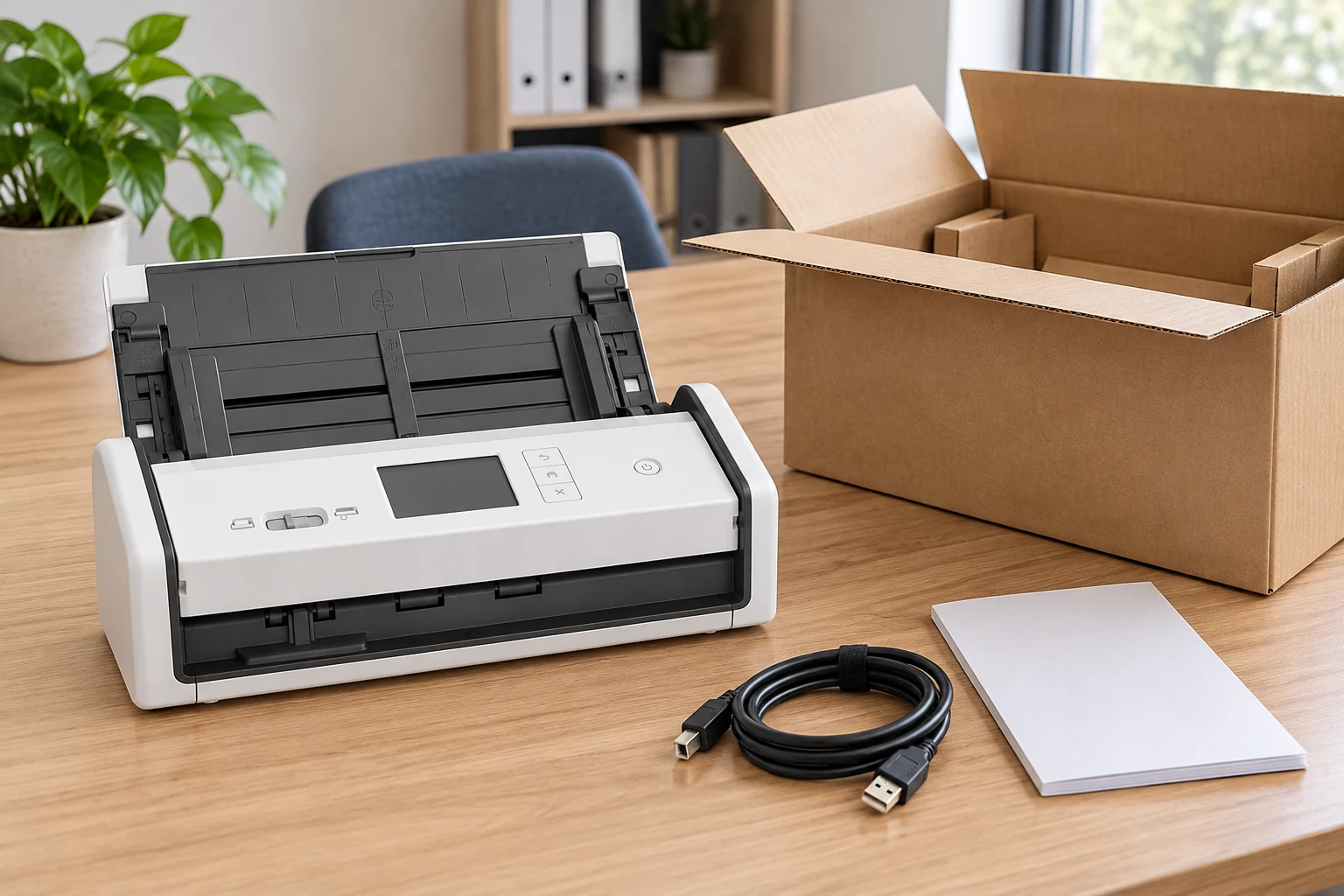
Confirm the model, software, accessories and accepted workflow together. The equipment enquiry should say which originals and outputs were considered, which dependencies remain and who receives the final file. That record gives purchasing and the office team a shared description of what the proposed system is meant to do.
Keep the supplied package and demonstrated task connected
Ask for a quotation that identifies the exact scanner and the relevant software offer in the buyer's region. Keep included accessories distinct from optional carriers, cables or other items that the proposed task may need. An illustration of a complete desktop setup is not an inventory of the supplied package. Written scope should resolve that question before the equipment is expected to be ready for work.
Confirm who provides the computer, applicable software access and destination arrangement. A scanner supplier may demonstrate a task on its own prepared computer, while the office plans to use another environment. Record what must be verified on the intended workstation before handover. Do not treat an older compatibility table or a generic operating-system name as confirmation of the current proposed combination.
Coordinate the physical delivery with the office furniture delivery and assembly scope. Identify where the equipment will be placed and who checks that the agreed work surface is available. The scanner remains a separate item unless the actual quotation includes it; the building or furniture package should not acquire an unstated equipment obligation because a photograph shows a device on a desk.
At handover, use the agreed representative packet and actual receiving route. Record the delivered model, software environment, observed result and open questions. If part of the task remains unresolved, state that part specifically. A device can have arrived and passed an identity check while a required output or workstation dependency still needs attention.
Buyer questions
Does a 20-sheet feeder accept any twenty originals together?
Check the exact model and the stated size, paper, path and stack conditions. A headline count does not establish a capacity for an arbitrary mixed packet.
Does OCR mean the document is fully correct and can replace the original?
No. Check the recognised information and intended output separately. Capture quality does not decide legal authenticity, retention or disposal.
Is a scanner included with a PQSE container office?
This guide establishes no included equipment. Confirm the exact item, software, accessories and responsibilities in the actual quotation.
Sources and scope
- Epson DS-C330 capacity FAQ. Canada FAQ, published 3 August 2023; selected vertical-path A4 plain-paper rows and under 2.4 mm total stack condition.
- Epson scanner positions. Original-type/path and output-location distinctions; DS-C330/DS-C490 differences retained.
- Epson dimension specifications. Position-specific physical dimensions and exclusion of projecting parts; no desk clearance inferred.
- Brother ADS-1800W US specifications. Rated speed units and Letter 200/300 dpi conditions, software/transmission caveat; no completed-job throughput prediction.
PQSE House prepared this research-based equipment guide from the identified manufacturer originals and independent analysis of a capture task. No PQSE field test, customer case, supplier endorsement or human professional signoff is claimed. Model, software, region and original conditions remain specific to the offered system.
Photo sources and changes
Photographs were newly reconstructed with AI using actually viewed Canon, Brother and Epson original product/workplace photographs as physical references passed to the image tool. New people, offices, paperwork and device forms are generic illustrations, not an exact supplied model, recorded supplier demonstration or PQSE project. Source photographs are not republished. Screen and paper contents are illustrative and do not demonstrate OCR performance.